Dues and payments
Charge dues on a schedule, take payments online or by check, add late fees, and see who is behind.
For the treasurer, and for owners paying their dues
Set up the dues
Treasurer
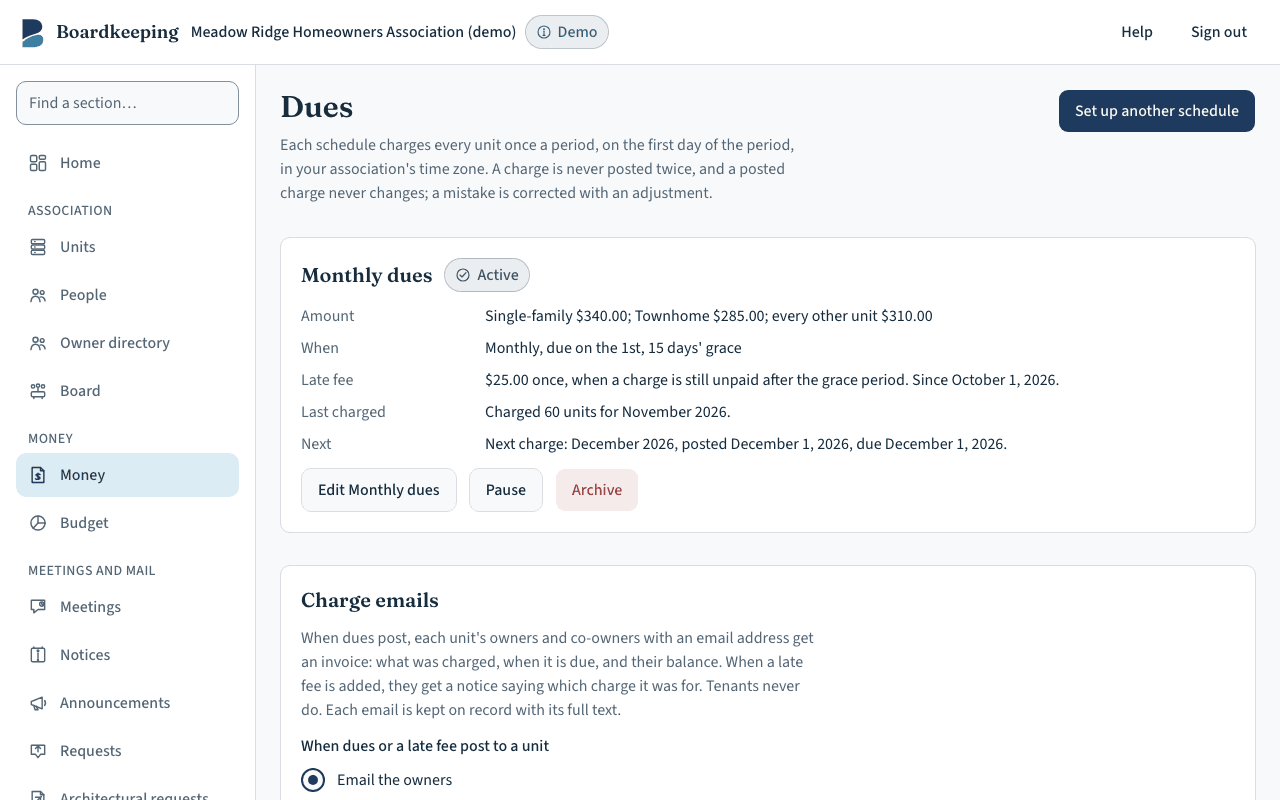
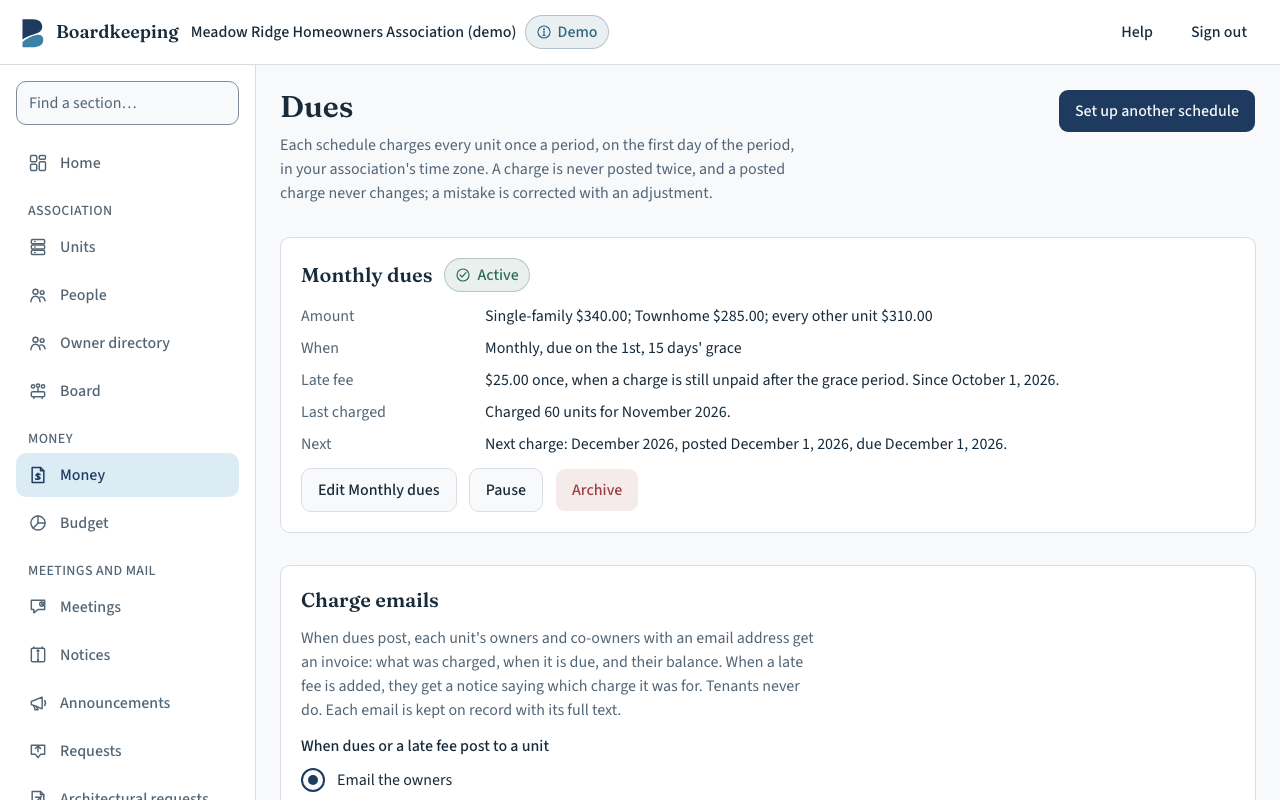
Under Money, Dues, add a schedule: the amount for each type of unit, how often it is charged (monthly, every 3 or 6 months, or once a year), the day it is due, and the grace period. You can add a late fee: a set amount or a percent, charged once, the day after the grace period ends. The late fee and grace period are your association's settings, from its governing documents; check them with your association's attorney.
 (opens the picture full size)
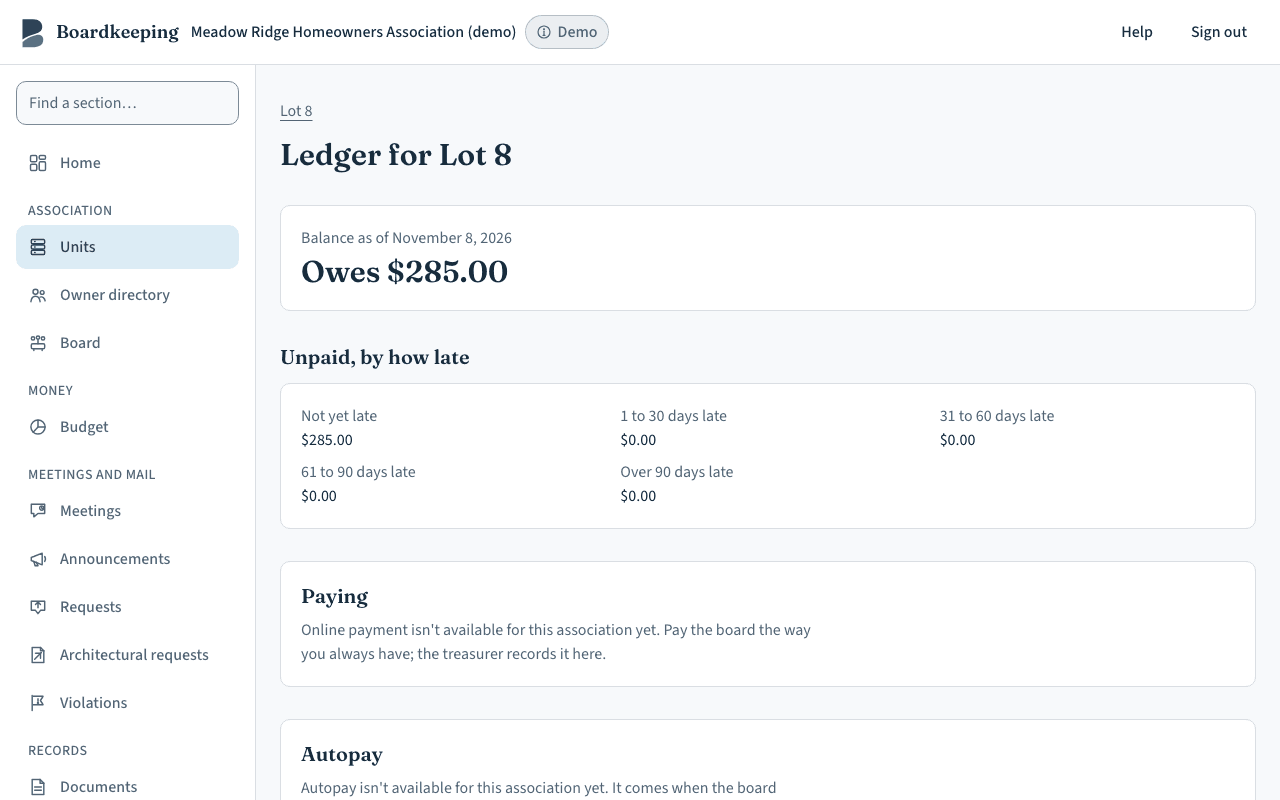
At the start of each period the dues are added to every unit's account by themselves, due on your due day. Nobody has to post them. Each unit's account opens from its page with “Open the ledger”, and lists every charge and payment with the balance after each.
When dues are added, each unit's owners and co-owners with an email address are sent an invoice: what was charged, when it is due, and their balance, with a link to pay. When a late fee is added, they get a notice saying how much, which charge it was for, and their new balance. Tenants get neither. If your association still bills another way for now, choose “Don't email them” under “Charge emails” on the Dues page. Every email is kept on record with its full text.
Owners pay
Owners
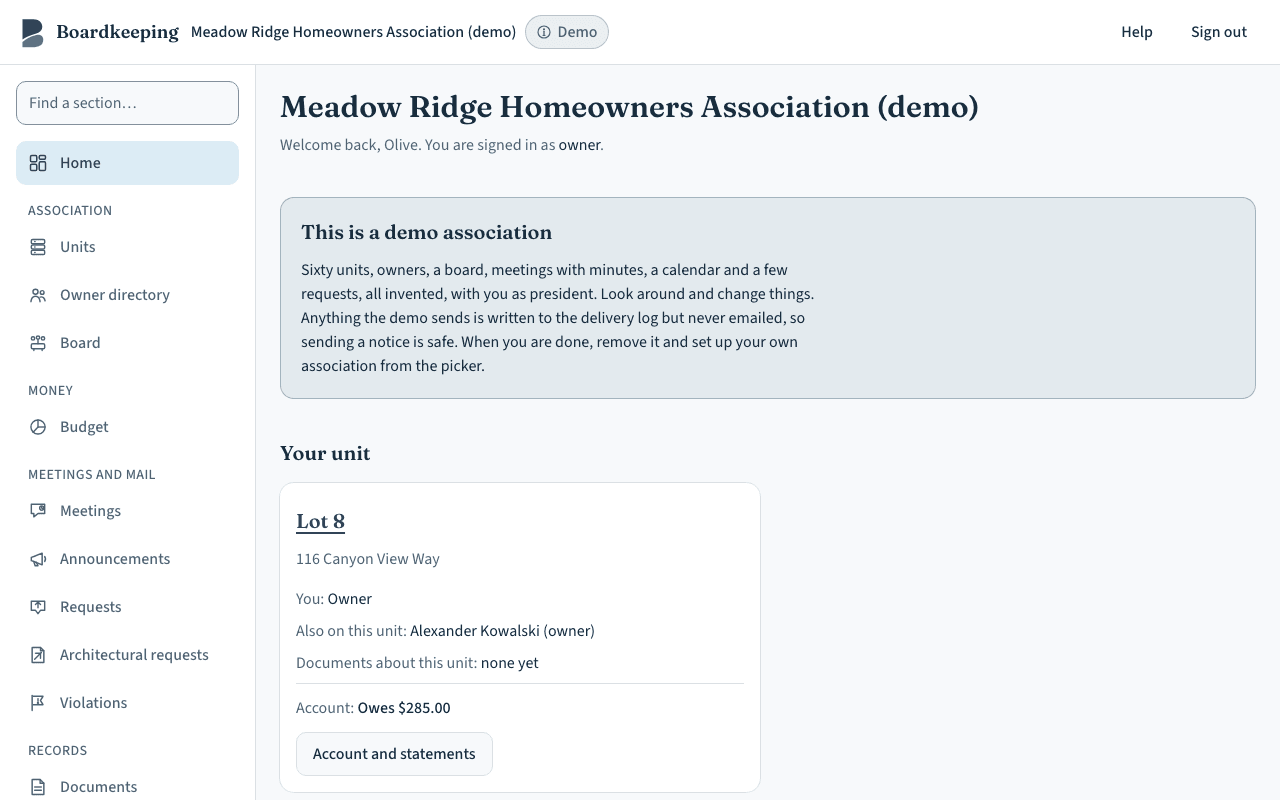
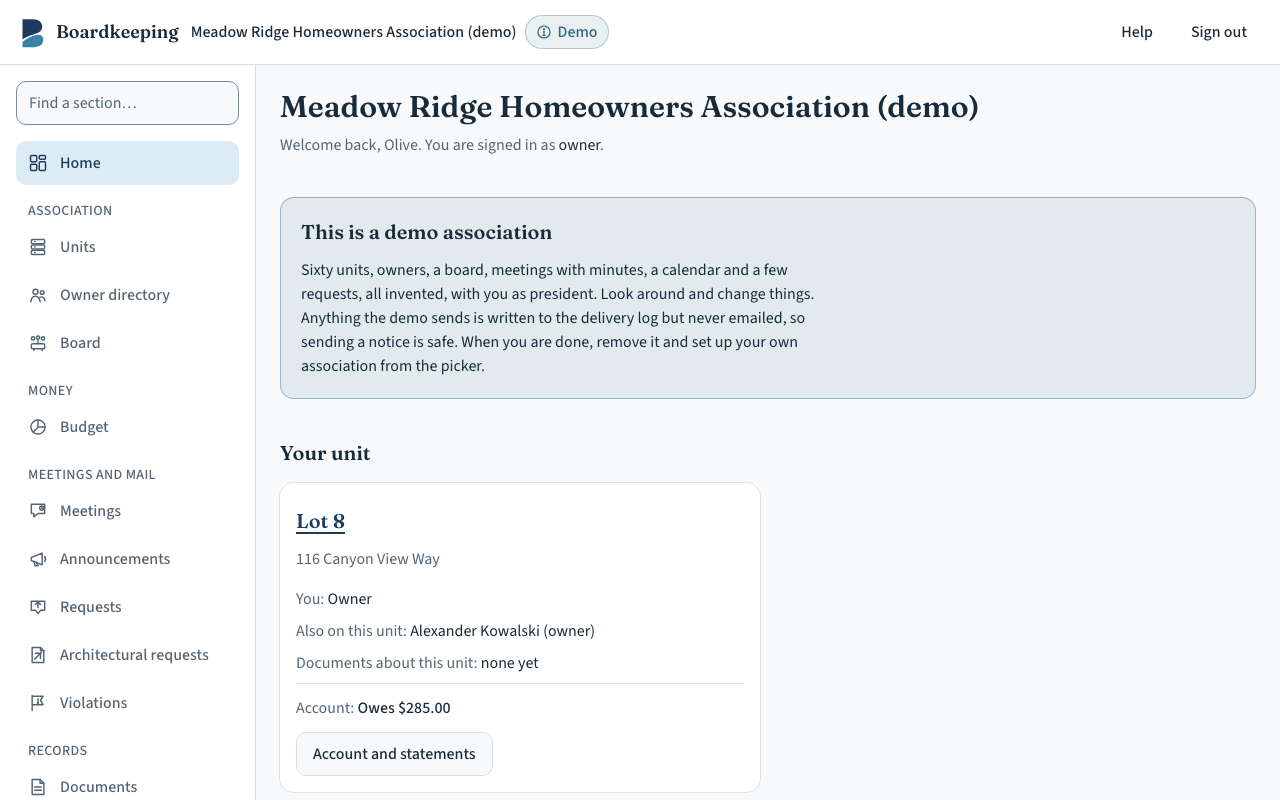
When an owner signs in, their home page shows what they owe, or “Paid up”. Once the association has connected Stripe, “Pay online” takes them to Stripe's secure page to pay by bank transfer or card, into the association's own account. They get a receipt by email.
 (opens the picture full size)
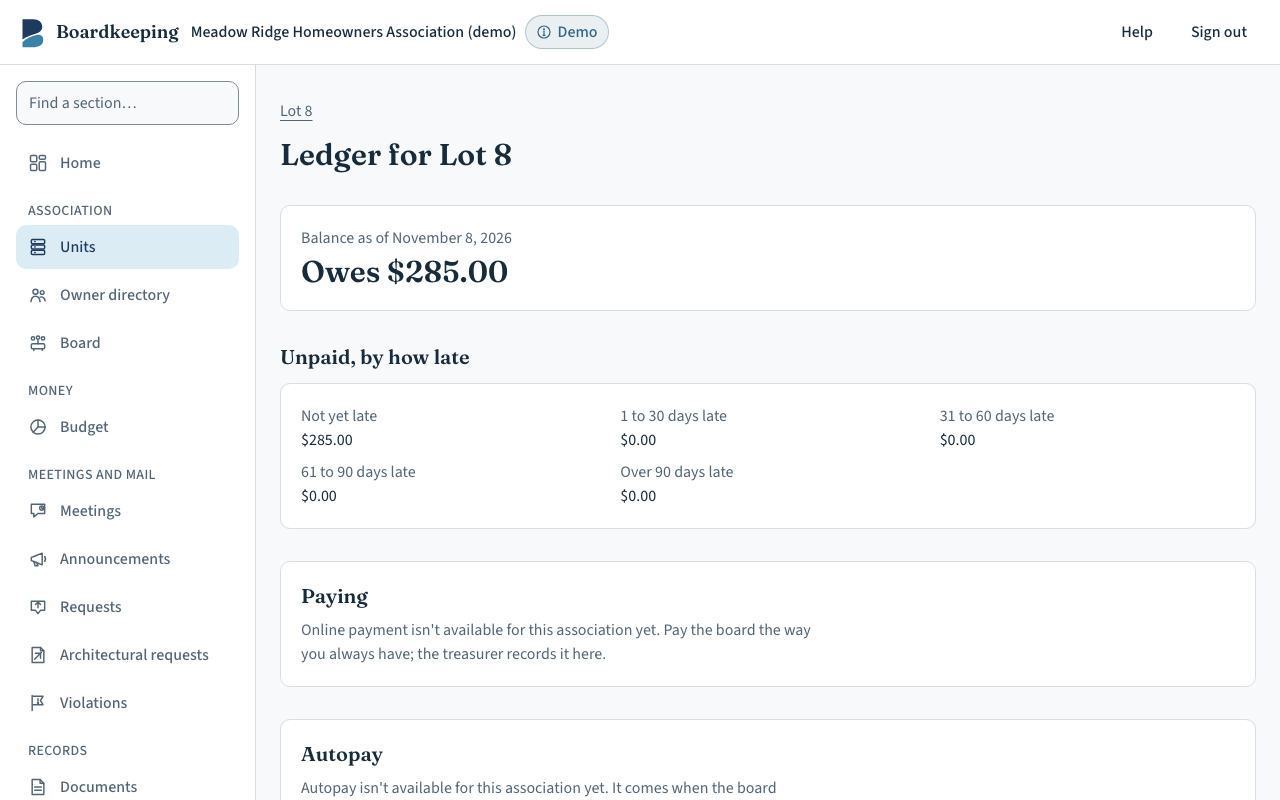
On their account page an owner can set up autopay, so dues are paid on the day they fall due, with an optional limit per charge. They can also download a statement as a PDF for any dates they choose.
 (opens the picture full size)
Record a check
Treasurer
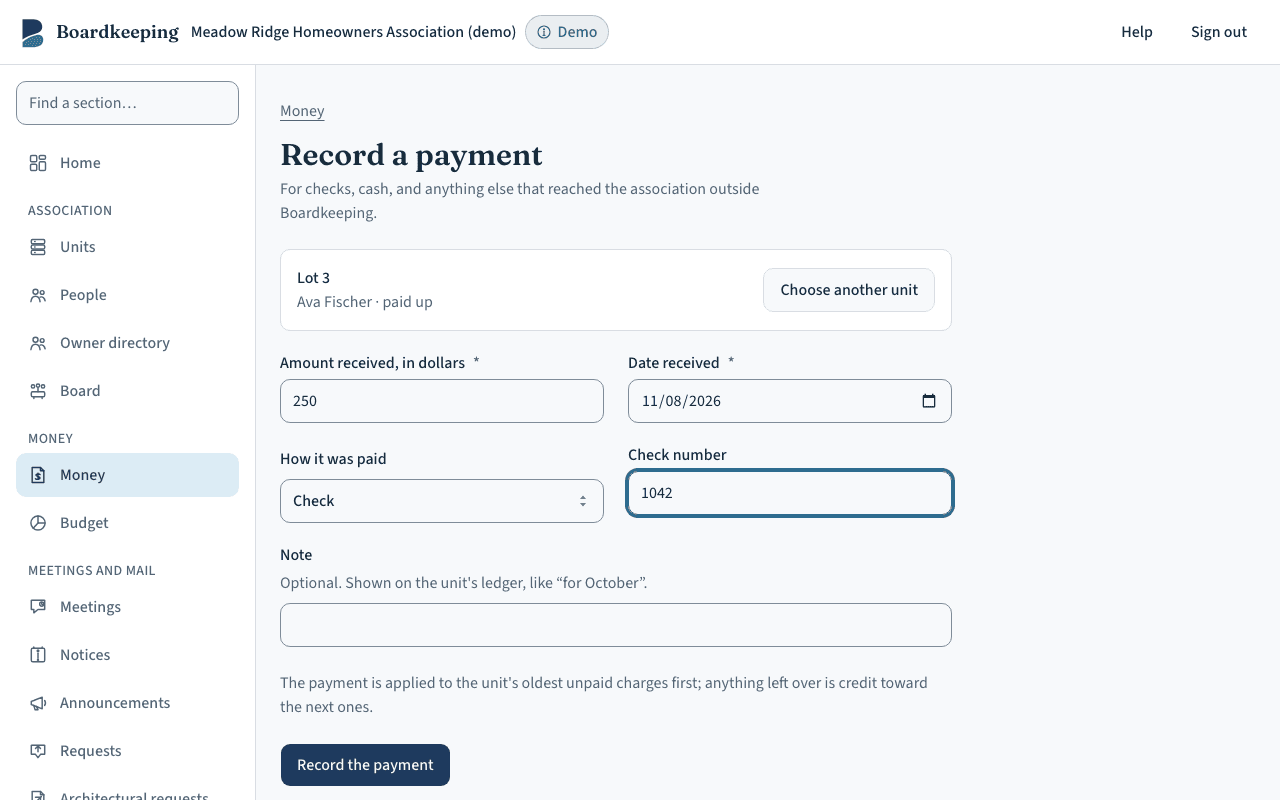
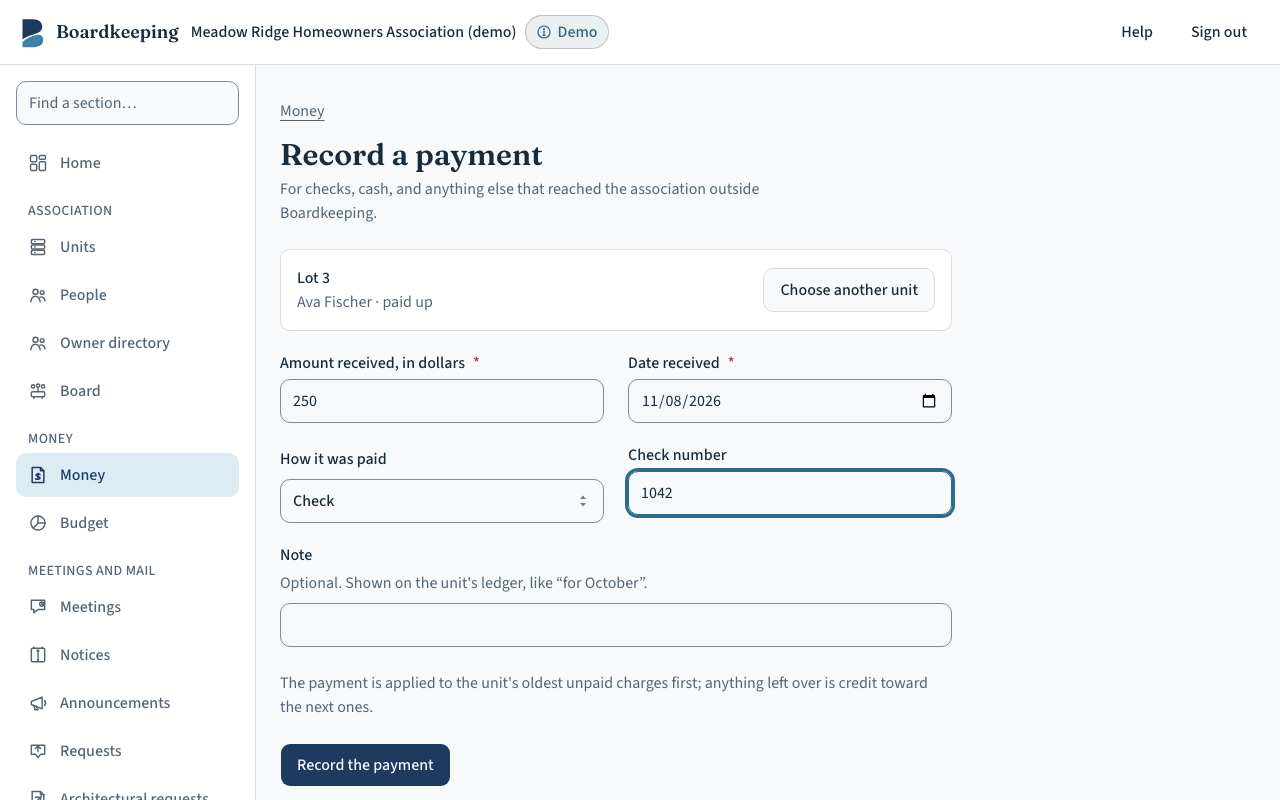
Under Money, “Record a payment”, type the unit number or the owner's name, choose the unit, and enter the amount, the date received and the check number. Every payment pays the oldest unpaid charges first.
 (opens the picture full size)
If a check bounces, use “Check bounced” on the unit's account. The payment is taken back, the charges it paid are reopened, and your returned-payment fee is added if you set one. A correction is always a new entry, so the account shows what happened and when.
See who is behind
Treasurer and board
The Money page shows the total owed, the units more than 30 days late, and the bank balances you have entered.
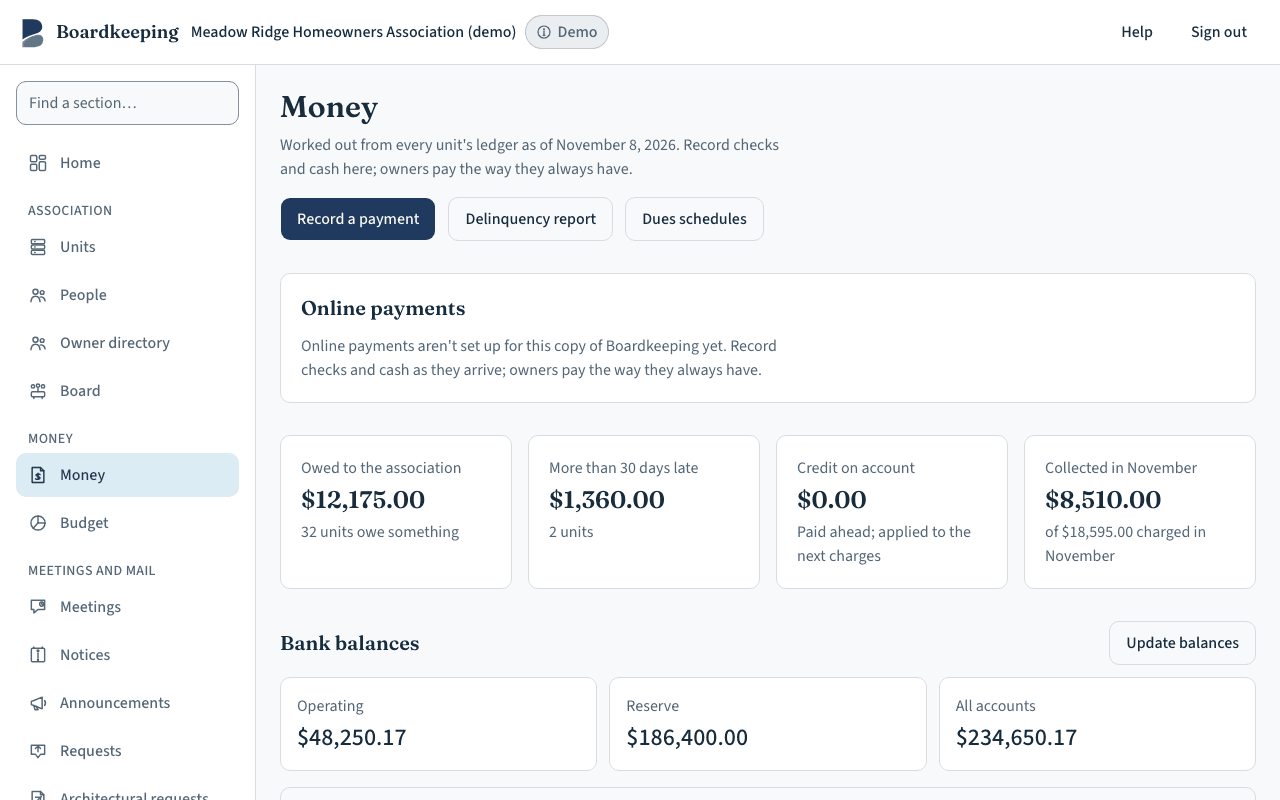 (opens the picture full size)
The delinquency report lists every unit that is behind, worst first, with how late each amount is, as of any day you choose. “Download CSV” gives your accountant or attorney the same list. For a full copy of the association's records, the president or treasurer can use Export.
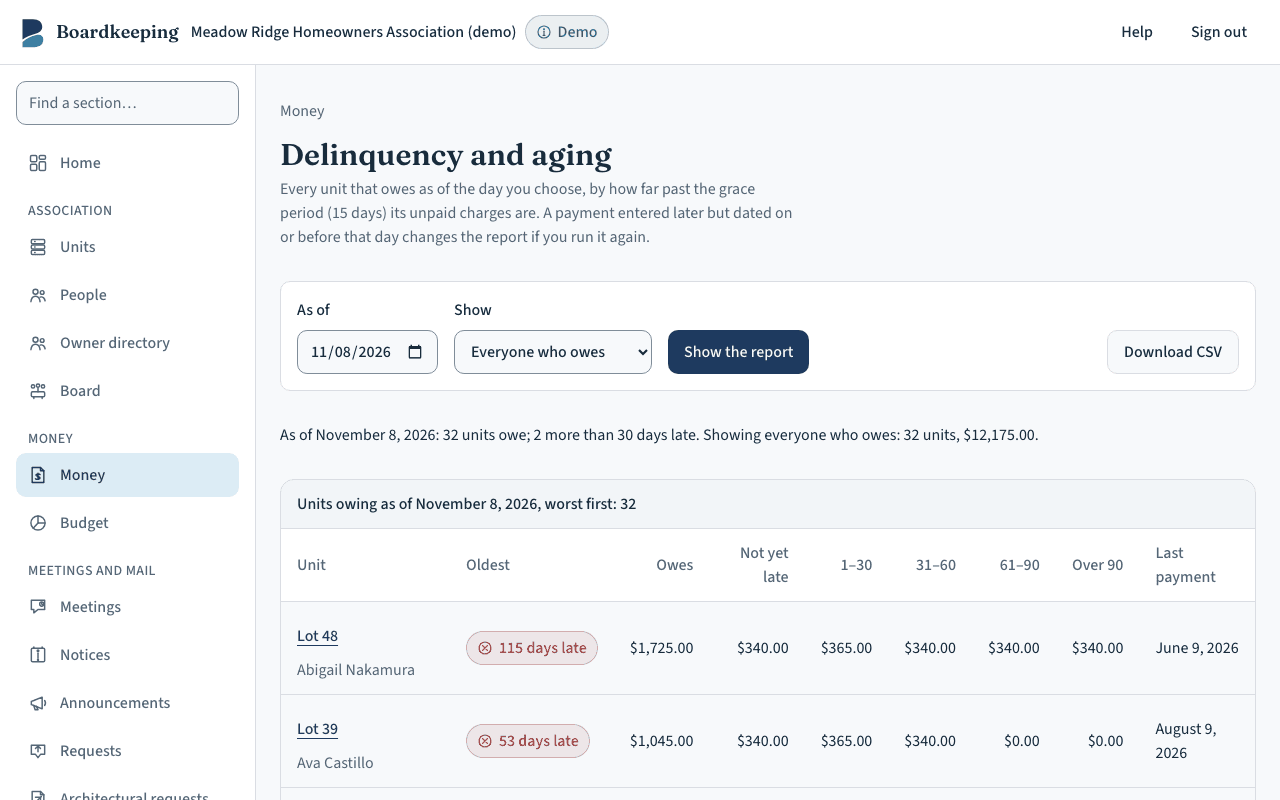 (opens the picture full size)
Boardkeeping is software and templates, not legal advice. Notice periods, fines and voting rules come from your association's governing documents and the laws that apply to it, which differ by state. Review anything you send to owners with your association's attorney. Read the full statement in our terms.