Architectural requests
Owners ask for approval of changes to their home; the committee reviews, decides and sends the letter.
For owners, the architectural committee and the president
Ask for approval
Owners
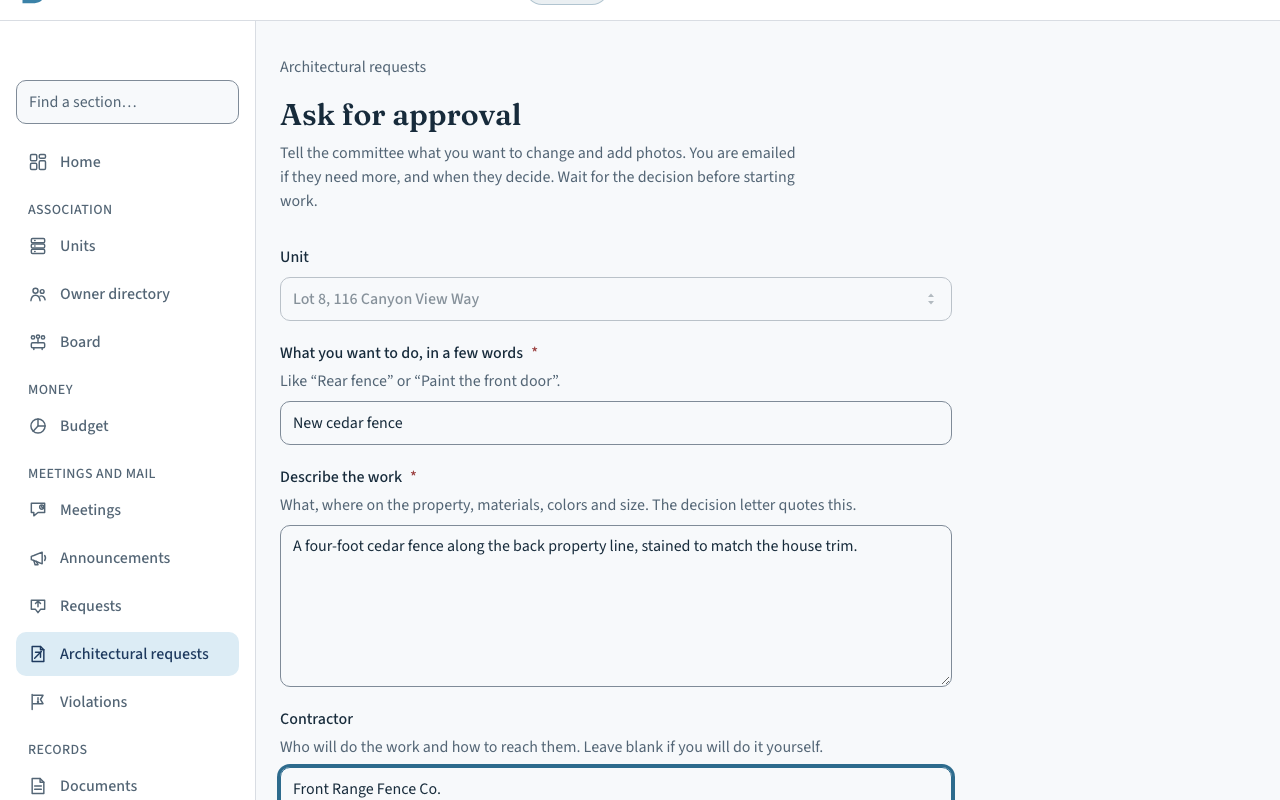
Open Architectural requests and choose “Ask for approval”. Say what you want to do in a few words, describe the work, name the contractor if there is one, and add photos or a drawing. Then send it to the committee.
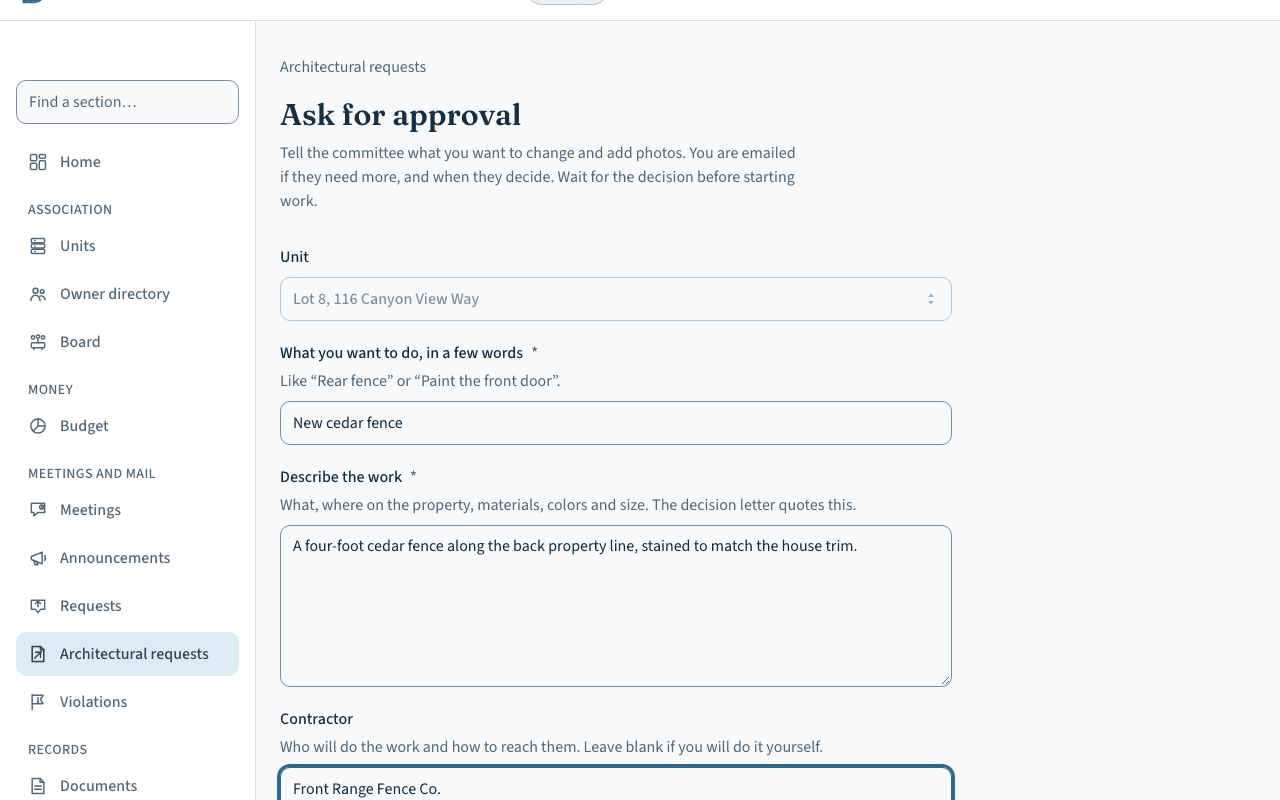 (opens the picture full size)
If the request came on paper, a board member can record it for the owner. Either way, the committee is emailed. If the president hasn't named a committee, the president reviews requests.
Review it
The committee
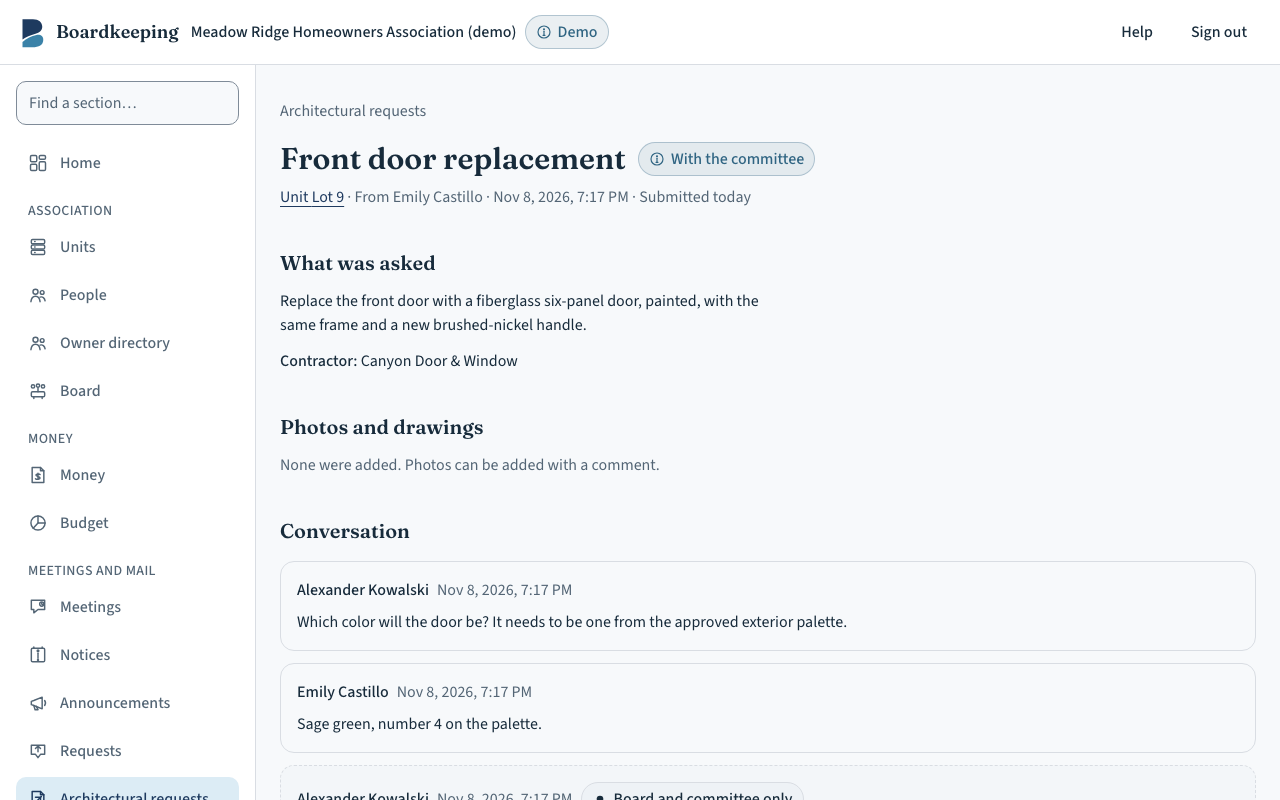
The request's page has the details and photos and a conversation. A comment to the owner is emailed to them. An internal note stays with the board and committee. “Ask the owner for more” sends your question and waits for the answer.
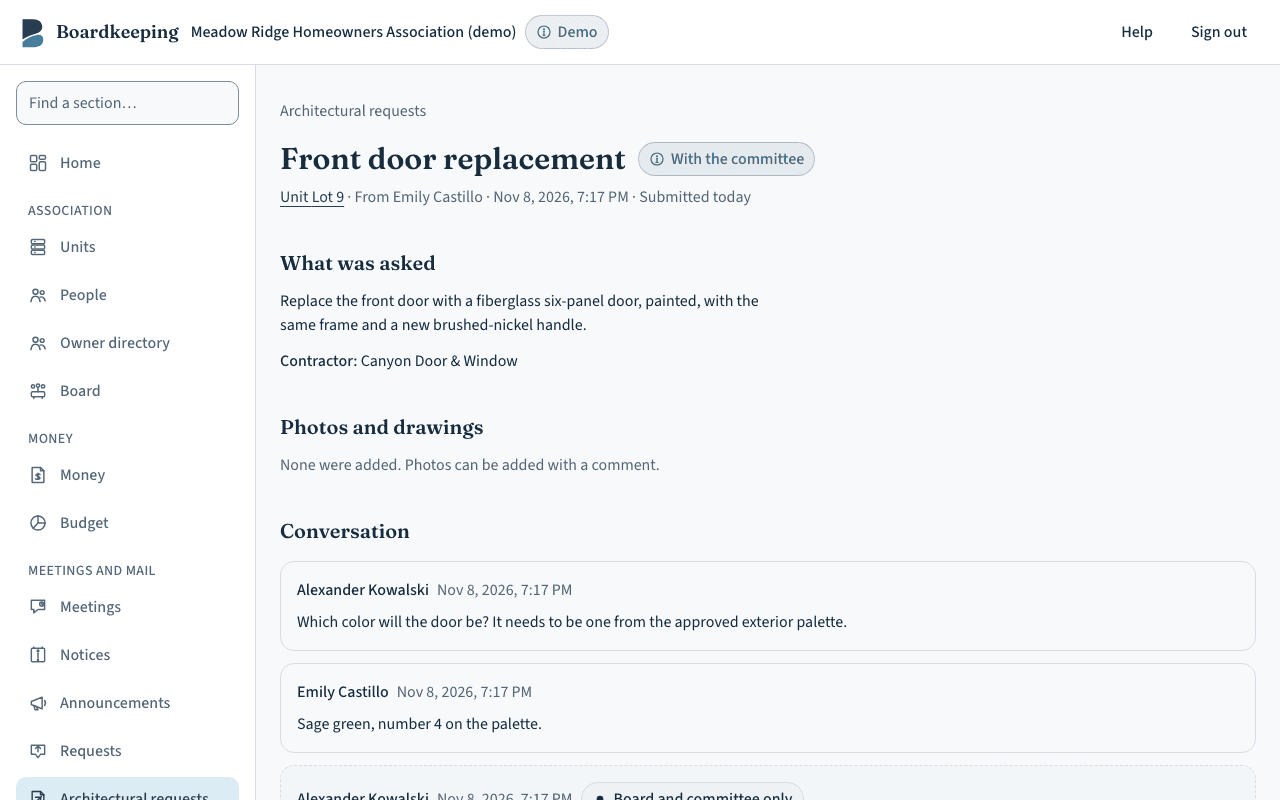 (opens the picture full size)
Decide and send the letter
The committee or the president
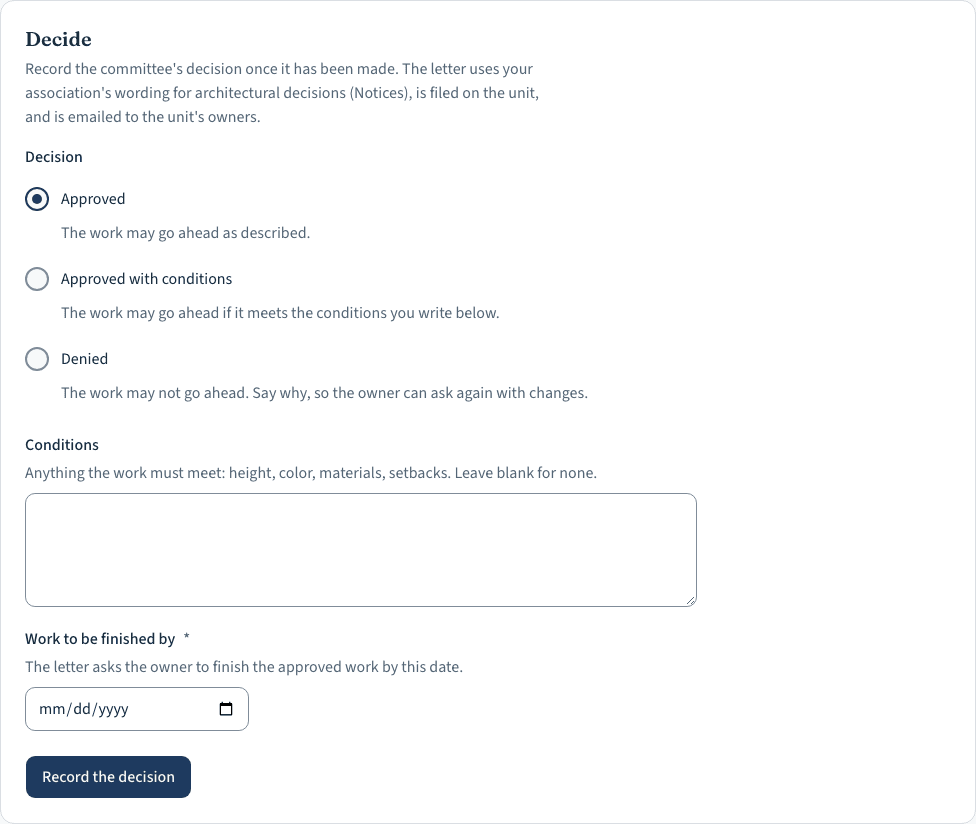
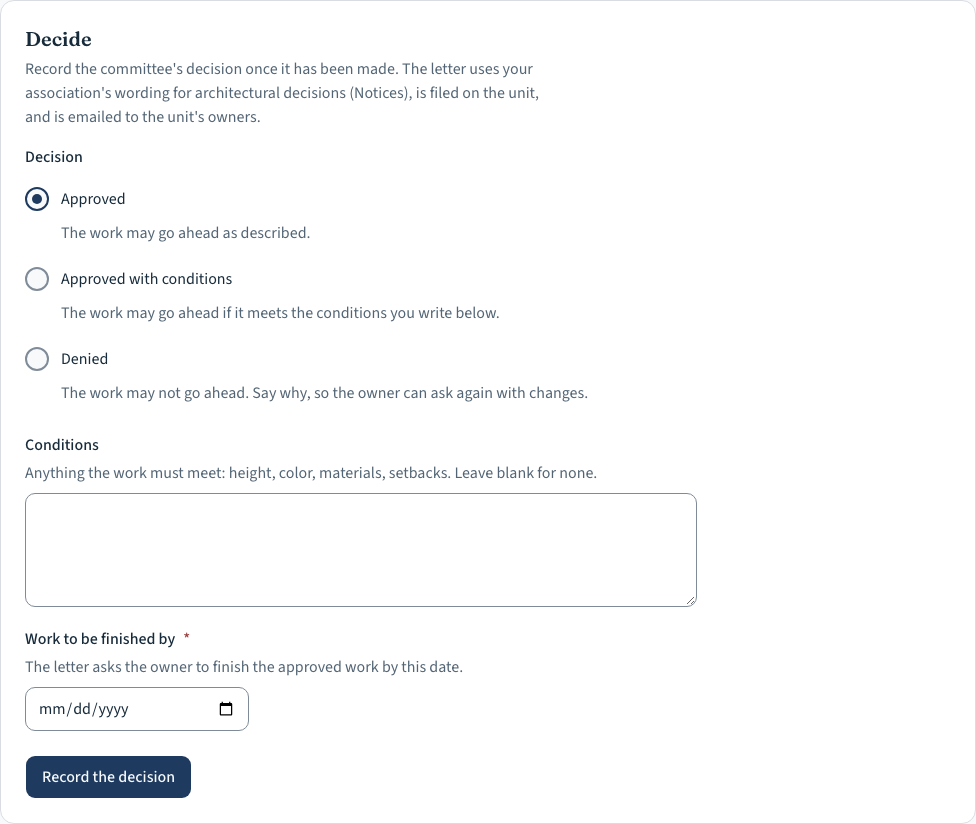
Record the decision: approved, approved with conditions, or denied, with the conditions or the reasons and the date approved work must be finished by. The decision is final, so the screen asks you to confirm.
 (opens the picture full size)
The decision letter is made from your association's own wording (under Notices), filed on the unit, and emailed to each owner with the letter attached. The request's page says which owners it was emailed to, and names any with no email address.
The request and its letter stay on the unit for good, and later owners and boards can see them. Internal notes are never shown to owners.
Boardkeeping is software and templates, not legal advice. Notice periods, fines and voting rules come from your association's governing documents and the laws that apply to it, which differ by state. Review anything you send to owners with your association's attorney. Read the full statement in our terms.